Every GST-registered small business in India must issue compliant GST bills for every taxable sale. Making these bills online — instead of handwriting them or using Excel — ensures they are correctly formatted, properly numbered, and instantly shareable.
This step-by-step guide shows exactly how to make a GST bill online for your small business using Khata Billing — free, in under 5 minutes.
✅ Key Takeaways
- Valid GST bill format — meets all GST Act requirements
- Auto CGST/SGST or IGST — based on customer state
- Sequential invoice numbering — automatically maintained
- HSN/SAC code support with built-in search tool
- Amount in words — auto-generated on every bill
- PDF download — professional format, your logo
- WhatsApp sharing — customer receives instantly
- Free — no credit card, no invoice limit
One-Time Setup Before Making Your First GST Bill
Complete this setup once — every bill after this is under 2 minutes:
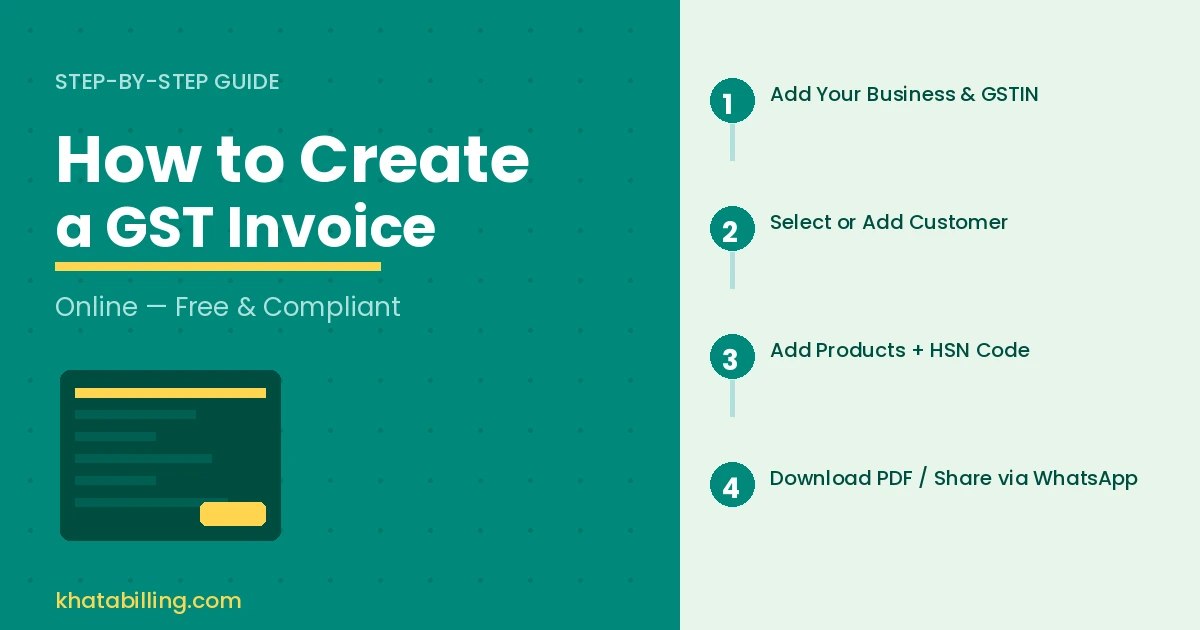
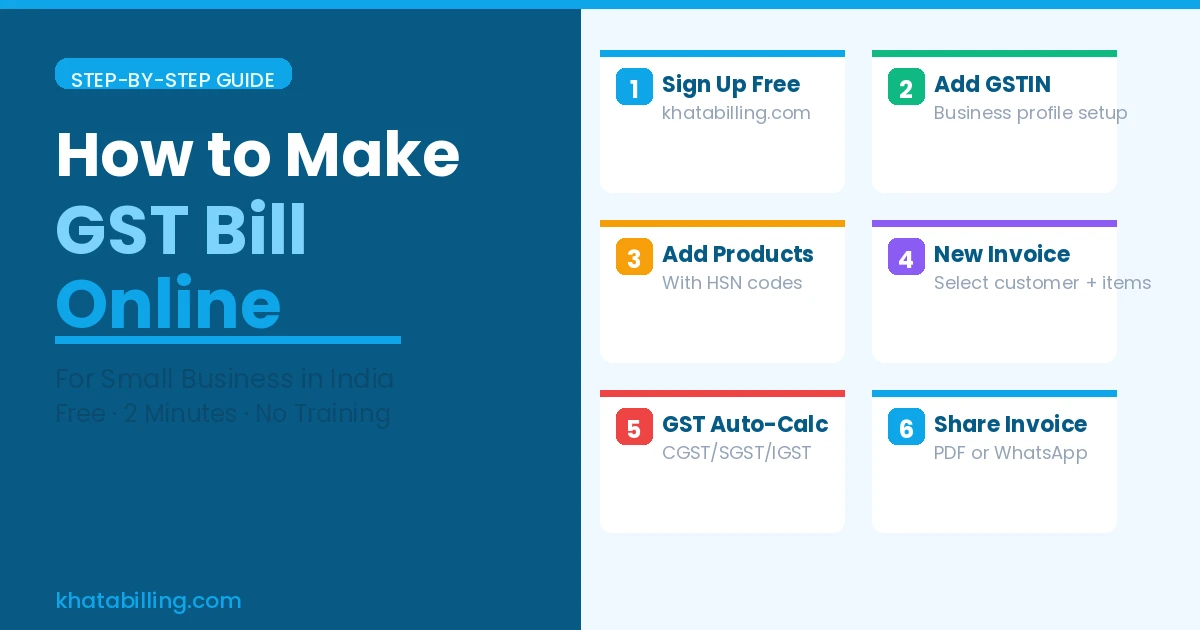
- Sign up at khatabilling.com — free, takes 2 minutes
- Add your business profile: Legal name, full address, GSTIN, contact number, bank details, and upload your logo
- Add your products/services: For each item — name, HSN/SAC code, default price, GST rate (5%/12%/18%/28%), unit of measurement
Step 1 — Open a New GST Bill
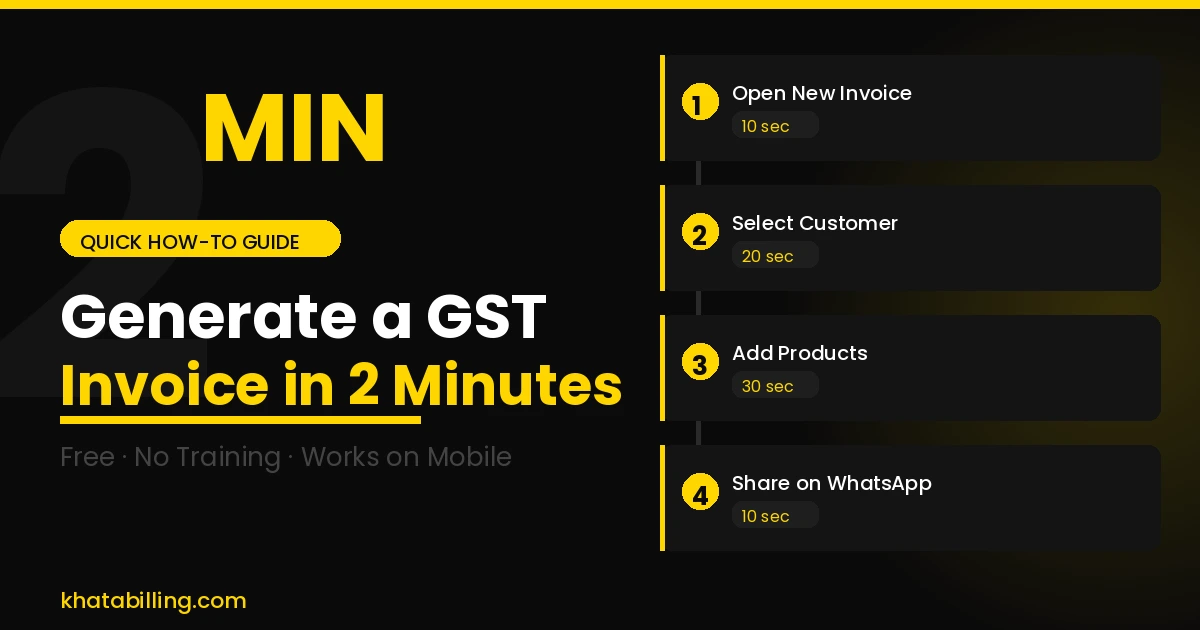
Click New Invoice in your Khata Billing dashboard. Your business name, GSTIN, and address are pre-filled. The invoice number is automatically assigned as the next in sequence — GST requires consecutive numbering and Khata Billing handles this automatically.
Step 2 — Enter Customer Details
Search for an existing customer or enter new details:
- Customer name and complete billing address
- Customer's state — this determines whether CGST+SGST or IGST applies
- Customer's GSTIN — mandatory for B2B invoices to allow ITC claim
Once you enter the state, Khata Billing automatically sets the correct tax type for every line item.
Step 3 — Add Items to the GST Bill
Search your product catalogue and add each item:
- Select product — HSN code, GST rate auto-filled from your catalogue
- Enter quantity
- Unit price auto-fills from saved price (edit if different for this bill)
- Tax amount calculates automatically
- Add discount if applicable — GST recalculates on net value
Step 4 — Review and Generate
The invoice summary shows: taxable value, CGST+SGST or IGST breakdown, grand total in figures, and total in words (auto-generated — this is a mandatory GST requirement). Review and click Save Invoice.
Step 5 — Share the GST Bill
Your GST bill is ready. Share it:
- WhatsApp: One tap — bill delivered to customer's phone as PDF immediately
- Download PDF: Save to your device for records or email attachment
- Print: Print from the PDF if a physical copy is needed
Making a GST bill online for your small business takes under 3 minutes with Khata Billing — and every bill is perfectly formatted, correctly taxed, and instantly shareable. Free, unlimited, and ready right now.
Start at khatabilling.com and create your first GST bill online in the next 5 minutes.