Running a garment shop comes with billing challenges that generic software often misses: apparel has two GST slabs (5% and 12%) depending on the price, products come in multiple sizes and colours, seasonal stock needs careful management, and regular customers expect credit facilities.
This guide walks garment and clothing retailers through everything billing software must handle — and why Khata Billing is the right choice for your shop.
✅ Key Takeaways
- Auto 5% or 12% GST based on garment price
- Product catalogue with size and colour variants
- Stock tracking per SKU — never run out unknowingly
- Customer credit (udhari) ledger with WhatsApp reminders
- Fast counter billing — bill in 30 seconds
- PDF invoices with your shop logo and branding
- Seasonal purchase entries to add new stock
- Works on mobile, tablet, and PC
GST on Garments — What Every Shop Owner Must Know
Apparel GST in India has two slabs:
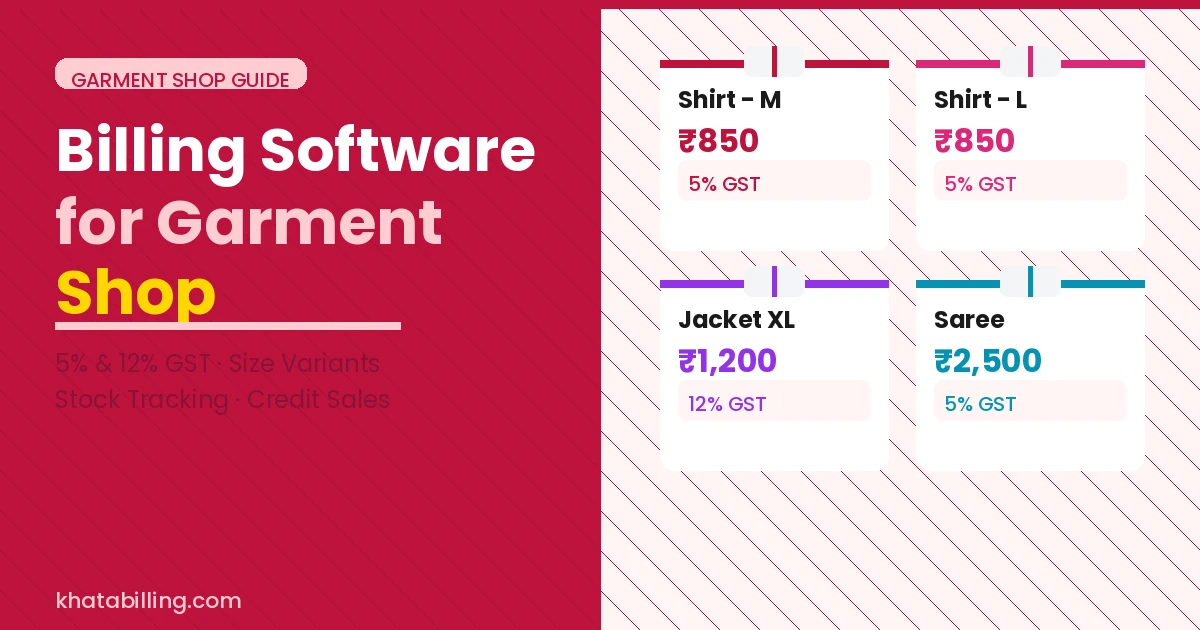
- 5% GST: Garments with sale value up to ₹1,000 per piece. HSN code: 6101–6117 range depending on type.
- 12% GST: Garments with sale value above ₹1,000 per piece.
In Khata Billing, you can set the correct GST rate for each product in your catalogue. When you bill, the correct slab is applied automatically — no manual calculation, no errors, no risk of ITC rejection.
Managing Garment Shop Inventory in Khata Billing
Garment inventory is complex — a single shirt style might come in 5 sizes and 3 colours, making it 15 separate SKUs. Here's how to manage this in Khata Billing:
- Create each size-colour combination as a separate product (e.g., "Blue Shirt - M", "Blue Shirt - L")
- Set opening stock for each SKU
- Stock reduces automatically when each item is billed
- Set low-stock alerts for fast-moving sizes
- When new season stock arrives, record a purchase entry to add quantities
Customer Credit Management for Garment Shops
Regular customers — especially wholesale buyers and loyal retail customers — often purchase on credit. Khata Billing's customer ledger handles this:
- Record credit sales against the customer account
- Track partial payments and remaining balance
- Send outstanding statement on WhatsApp — customers pay faster when they see the exact amount
- Set credit limits per customer to avoid over-extending
Setting Up Khata Billing for Your Garment Shop
- Sign up free at khatabilling.com
- Add your shop GSTIN and details
- Add products: for each item, create entries per size/colour variant with correct GST rate (5% or 12%) and opening stock
- Add regular customers with their credit terms
- Start billing at the counter — stock reduces automatically
A garment shop running Khata Billing bills faster, keeps accurate stock, applies correct GST rates automatically, and tracks customer credit without a separate notebook. All of this is free.
Start at khatabilling.com — set up your garment shop billing system today in under 30 minutes.